

Vegas Now Casino

Add Vegas Now Casino to your home screen and play over 12,000 games instantly.

iOS and Android

Vegas Now Casino download apk/iOS on mobile

Adding Vegas Now Casino to Your Phone

Vegas Now Casino works through a mobile web app that you simply pin to your home screen. You do not need Google Play or the Apple App Store at any stage. Open the browser on your phone, go to our official website, open the main menu and tap the install or add-to-home option. Confirm the action and the Vegas Now icon will appear beside your regular apps.

The setup is quick and straightforward. There are no heavy files to install and no long compatibility checks. Thanks to the web format, storage use stays low but graphics remain sharp on most newer and mid-range devices. Players in Canada aged 18+ can add the shortcut without signing up, but an account is required once you want to use real money. Vegas Now launched in 2024 and is operated by Just Entertainment B.V. under a Curacao licence. The site is available in all Canadian provinces except Ontario.

After the icon appears, tap it to open the casino. The start screen shows simple navigation: slots, table games, live casino, and sportsbook. Every core feature from desktop is there on mobile too - deposits, withdrawals, bonuses, account settings and verification.

Device Requirements and Connection

Most modern phones and tablets handle the platform without issues, but there are a few basics to keep in mind. For Android you need version 5.0 or newer. On iPhone or iPad, iOS must be at least 11.0. Older systems can still load the site but live dealer games might lag or take longer to start.

Stable internet is essential for real-money sessions. For live casino tables it is better to stay on Wi-Fi, so the video stream and dealer interaction do not freeze mid-hand. Standard mobile data usually works fine for slots and digital table games; data usage depends a lot on the game graphics.

The layout adapts to your screen automatically. Many players prefer landscape mode for multi-table views and more detailed slot panels, but portrait works as well.

Device TypeMinimum OSConnection
Android5.0Wi-Fi or 4G
iOS11.0Wi-Fi or 4G
TabletSame as phoneWi-Fi preferred

Signing Up on Mobile

Once the shortcut is installed, tap the registration button on the main screen. The form is short: email, password, country, and currency. For players in Canada it is important to set CAD right away - changing your currency later is only possible through support and it takes extra time.

Use an email inbox you can access straight away. We send a confirmation link before deposits and withdrawals become active. Your password must have at least eight characters, with at least one number and one uppercase letter, so simple words will not pass.

The country field triggers the correct payment options. When you choose Canada, you will see Interac next to Visa and Bitcoin. Only one account per person is allowed; opening more can cause payment blocks, confusion with bonuses, and account suspension.

Before you submit the form, tick the box to accept the terms. This step is mandatory. The rules explain wagering requirements, payout procedures, and how we handle account security. Creating several accounts goes against these terms and may lead to balance forfeiture.

After confirmation your profile becomes active and you can browse the full lobby right away. To try games with real money you still need to deposit at least 20 CAD. Demo versions are limited on this platform, so without that first deposit it is not really possible to test most games.

Using the Game Lobby on Mobile

On mobile we keep navigation compact with four main tabs at the bottom of the screen. In the slots tab you will find over 13,000 titles from providers such as Popiplay, Belatra, Reflex Gaming, 3 Oaks, and BGaming.

There is a search bar on top where you can type a game name. Extra filters let you sort by studio, volatility level, or new releases. When you tap on a game image, an info panel opens first with details like RTP, minimum stake, and potential max win, then you can start the session.

Table games sit in a separate tab. Here you will find versions of blackjack, roulette, baccarat, and poker, with around 35 titles available. Each table shows its rules and betting range in the short description. For most standard tables the minimum is around 1 CAD, with higher limits going up to roughly 500 CAD per hand.

Live casino contains real dealers streamed in HD, with providers including Evolution, Playtech, Pragmatic Play, ICONIC21 and Live88. You can choose between live blackjack, roulette, baccarat and several game-show style formats. Signal quality bars appear in the corner of the video, so you can pick a table with a more stable stream if your internet feels shaky.

The sportsbook is the fourth tab. It covers both pre-match and in-play betting. On mobile you can manage your bet slip, change the odds format, and use cash-out where the feature is available for that specific wager.
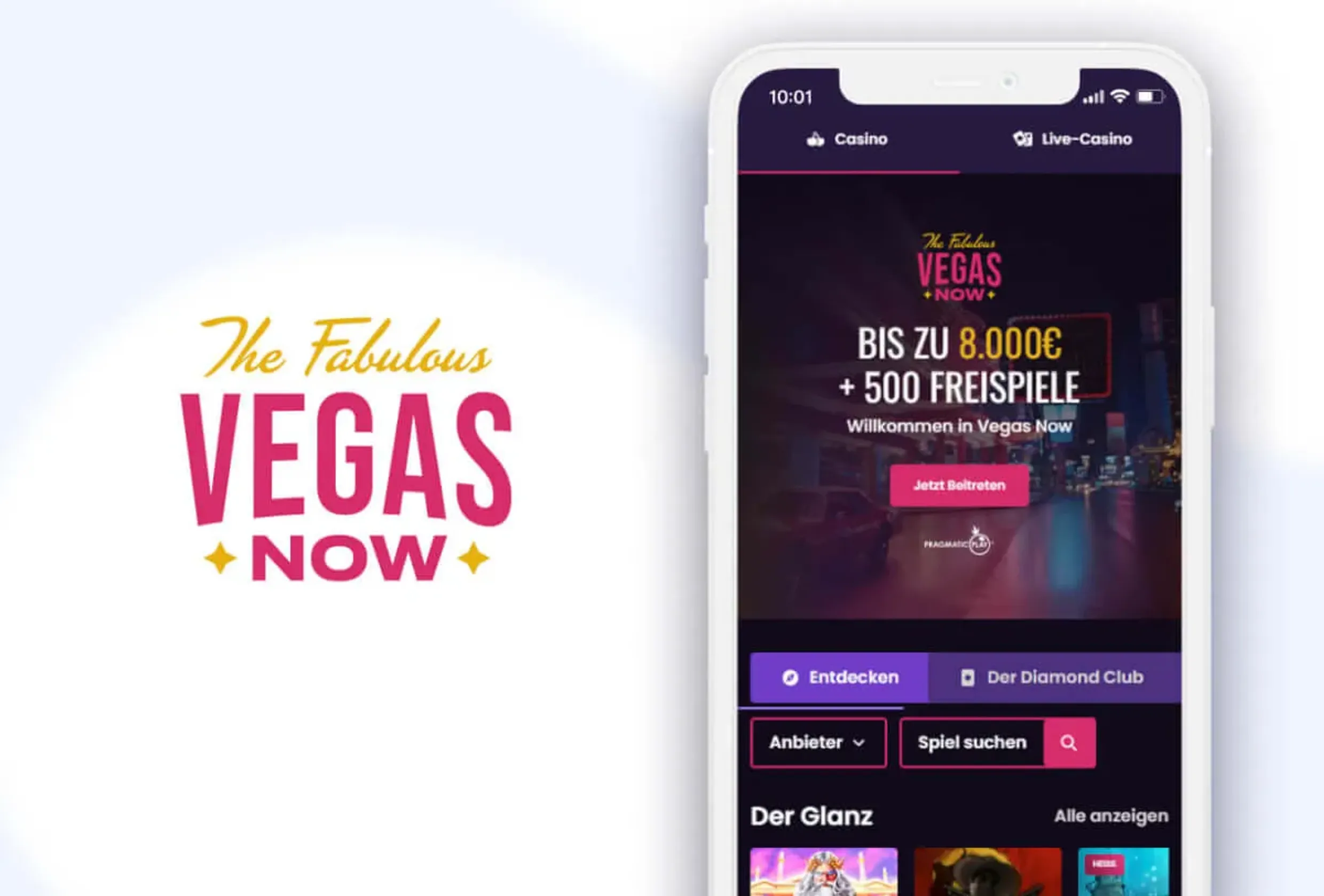
Quick Mobile Installation

Vegas Now Casino works through a mobile web app that installs directly to your home screen without app stores. The setup is fast and requires no heavy downloads or compatibility checks. You need Android 5.0 or iOS 11.0 minimum to run the platform smoothly.

Key features include:

  • Over 13,000 games including slots, table games and live casino
  • Welcome bonus up to C$1,500 plus 200 free spins
  • Multiple payment options including Visa, Interac and Bitcoin
  • Instant cashout speed
  • Low storage use with sharp graphics on most devices

Canadian players aged 18+ can access the full cashier, account settings and all gaming features directly from the mobile shortcut.

Deposits, Payments and Welcome Package

Vegas Now is primarily a cryptocurrency casino but also supports fiat payment methods. The cashier supports a wide range of deposit options for Canada. Most players use Visa, Interac or Bitcoin. The minimum deposit is 20 CAD; maximum amounts vary by payment channel.

To fund your account, open the account menu and tap the deposit button, pick the method and type the amount. Interac deposits are processed instantly, so funds appear in your balance immediately. Visa payments normally clear within about five minutes, but some banks add their own checks, which can extend the wait to roughly half an hour.

For Bitcoin deposits you copy the wallet address from the deposit page and send coins from your own crypto wallet. Network confirmations usually take between 10 and 60 minutes. When the transfer is confirmed, we convert the amount into CAD based on the current rate.

Payment MethodMinimumProcessing Time
Interac20 CADInstant
Visa20 CAD5-30 minutes
Bitcoin20 CAD10-60 minutes

Your balance appears at the top of the screen and updates live as you place bets or receive wins. All deposits and withdrawals can be reviewed later in the transaction history inside account settings.

New players in Canada can also claim a welcome package of up to C$1,500 plus 200 free spins. The bonus is tied to the first deposit offer, and the casino also lists second- and third-deposit bonuses with promo codes.

We match 150% of your initial payment up to a maximum of C$1,500. For example: a 100 CAD deposit results in 150 CAD in bonus funds and a part of the 200 free spins allocation. The spins are not issued all in one go but spread over multiple deposits.

There is a 40x wagering requirement on the bonus and any free spins winnings. With a 100 CAD deposit and a 150 CAD bonus, this means you need to place qualifying bets before cashing out these bonus funds. In the bonus section you will see a progress bar tracking how much wagering is still left.

Free spins are tied to specific slots selected by the casino. After your payment clears, check the promotions area for the list of eligible titles. Each spin uses a fixed stake value, and any winnings from spins go into the same wagering cycle.

Bonus money and funds from free spins stay valid for seven days after they are activated. A countdown timer in the bonus window shows how many days remain. If you complete all wagering rules in time, the bonus balance converts into withdrawable cash.

Withdrawals and Common Issues with Installation

Cashouts are requested through the same cashier area. Tap withdraw, pick the payout method from those available and enter the amount. Where it is possible, we send money back through the same channel that you used to deposit.

The minimum withdrawal is usually 50 CAD for most methods. Maximum limits per request vary, with e-wallets typically allowing higher one-time payouts than standard bank transfers. The platform offers over 13,000 games across slots, table games and live casino experiences.

Processing is described as instant for cashouts, though timelines can vary depending on the payment option and whether your account is already verified. Returning players with completed KYC and previous withdrawals tend to receive funds more quickly than new accounts. While a withdrawal is pending, you can see its status inside the transaction history.

For withdrawals above 2,000 CAD, or when security checks flag unusual activity, extra documents may be requested. This usually includes an up-to-date proof of address not older than three months and, for high deposits, some basic source-of-funds evidence.

As long as the request is still marked as pending you can cancel it with one tap in the cashier, and the amount returns to your playable balance. Once we move it to processing, cancellation is not possible anymore.

If something goes wrong at the installation stage, a few typical reasons appear again and again. Failed installation is often linked to an overloaded browser cache or a very old OS version. Clearing cache and cookies usually helps. On some Android phones you may also need to allow installations from unknown sources in the security settings if no prompt appears.

On iOS, make sure Safari is set as the default browser. Some third-party browsers do not support the add-to-home function as expected, so repeating the steps in Safari is usually enough. When the icon does not show up at all, go back to the casino page and look for the install option again. On certain models you have to add the shortcut manually through the browser menu.

If games load slowly or crash after installation, the reason is often connection quality. Switching from mobile data to a stronger Wi-Fi network, or moving closer to the router, normally stabilizes the session. When specific games refuse to open, Android users can long-press the Vegas Now icon, open app info and clear cache. On iOS, the only way to clear cached data is to remove the icon and add the platform again, which has a similar effect.